Select Instant Transfer (P2P)
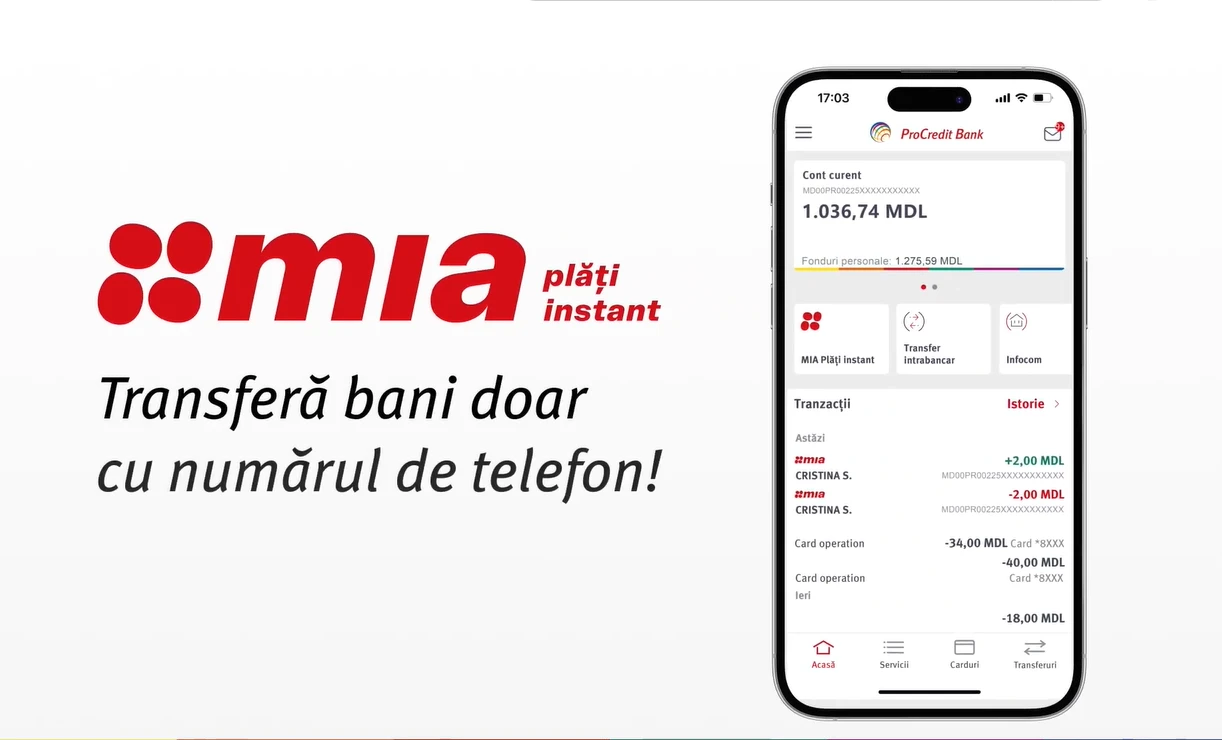
In the MIA Instant Payments section, select P2P transfers – Transfer to a person.

In the MIA Instant Payments section, select P2P transfers – Transfer to a person.

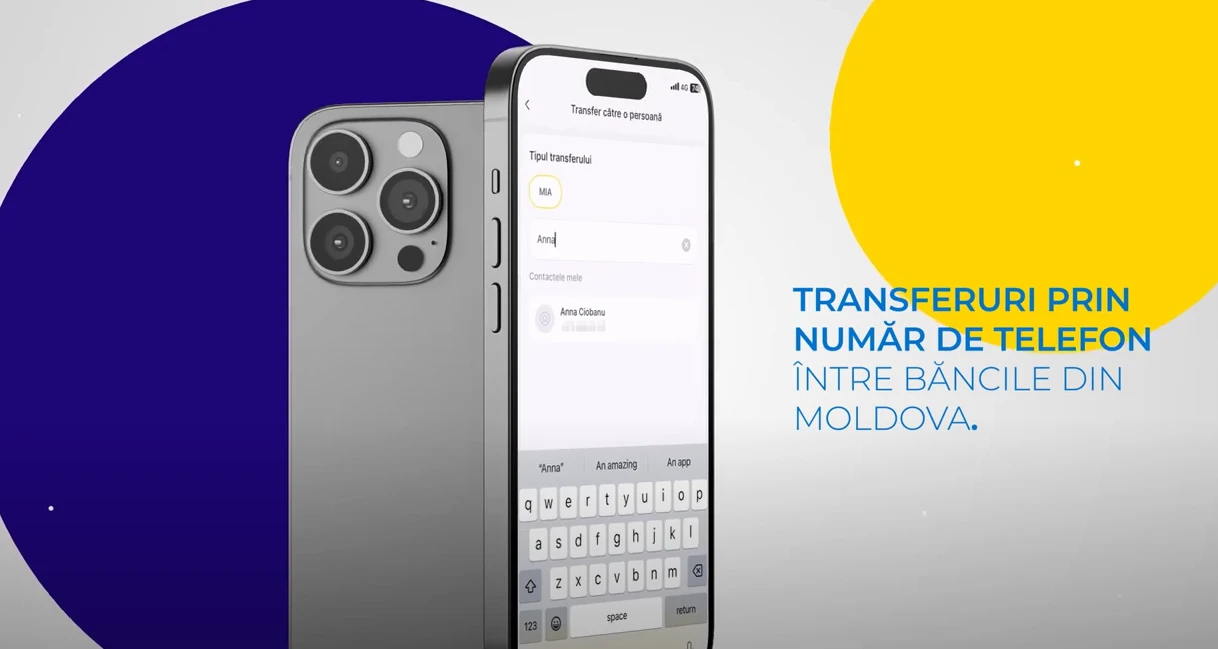
On the transfer screen, enter the phone number or select the recipient from your contact list..

If the recipient has activated MIA - you will be taken to the confirmation screen — check the first name and confirm.

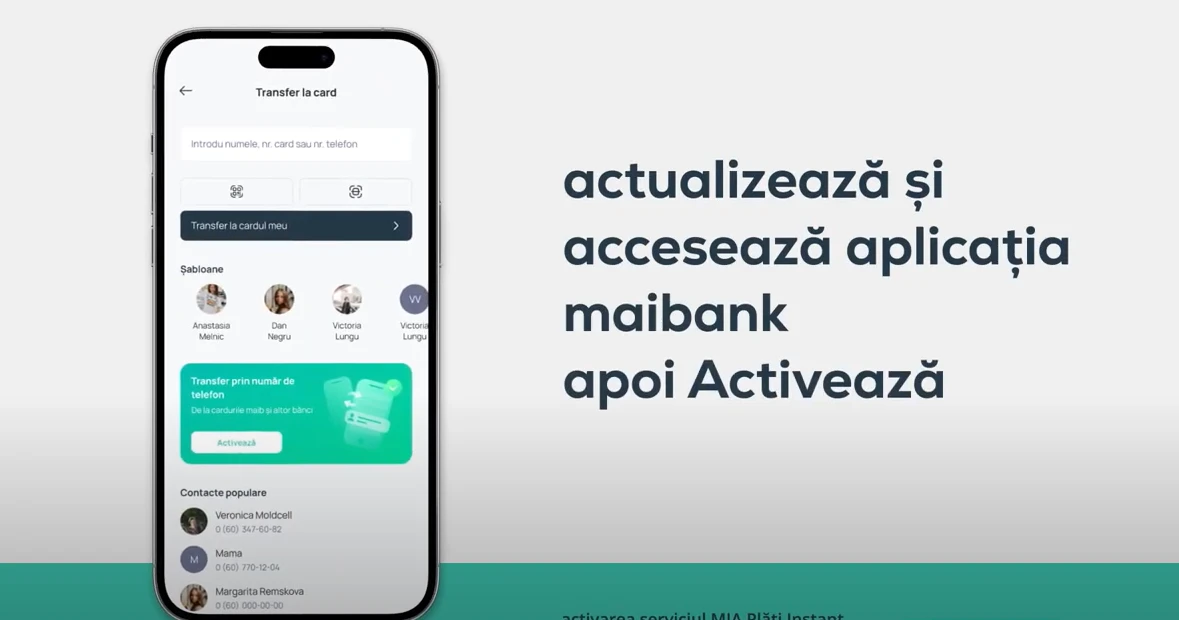
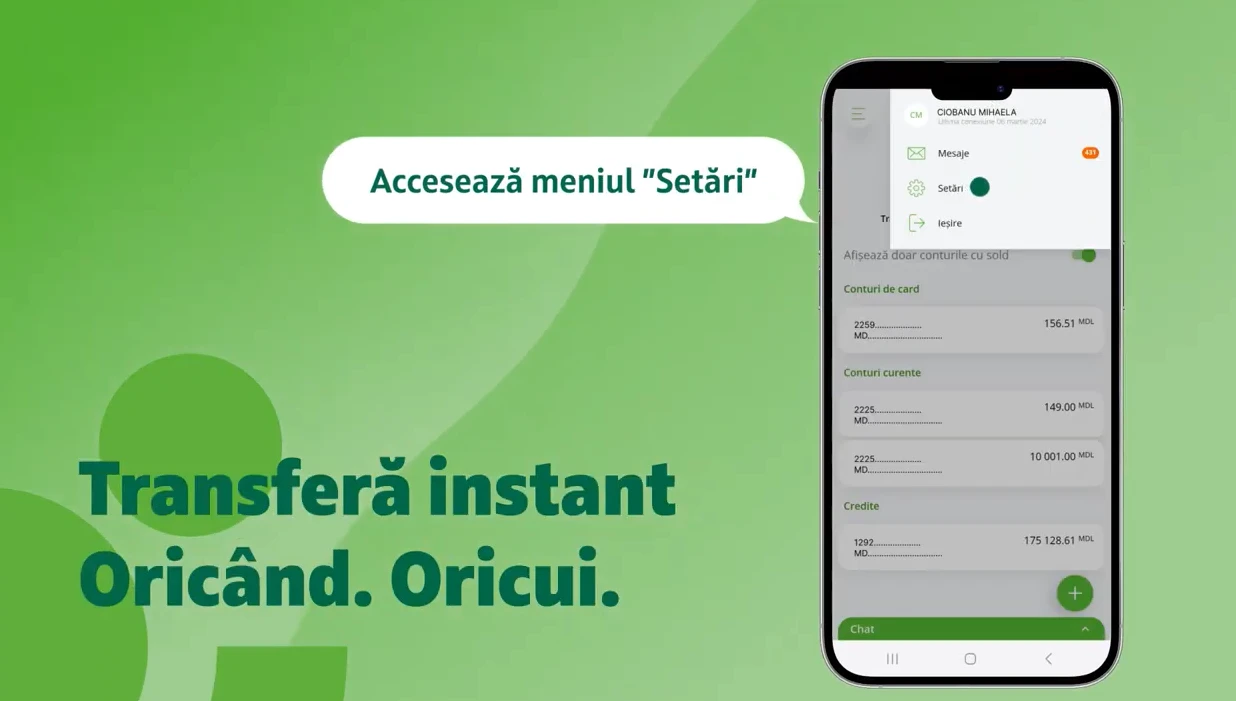
In your banking app, find MIA Settings, select the default account, and activate the service.
The money you send arrives within seconds to any payment account in the country.
Forget about payment details — now you can transfer money easily, 24/7.
You pay 0% commission for transfers up to 10,000 lei per month.
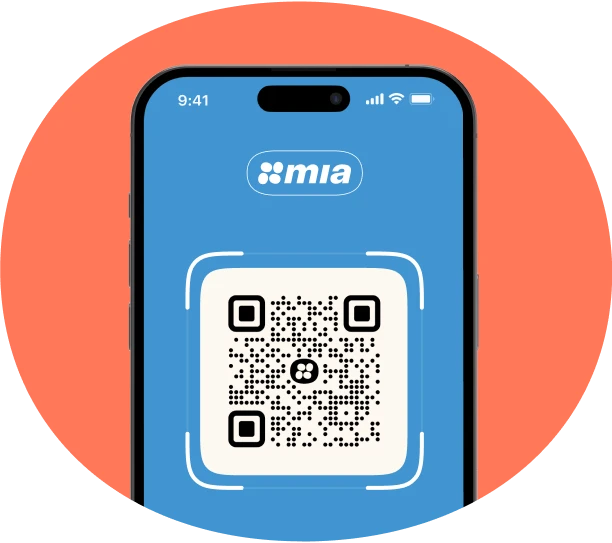

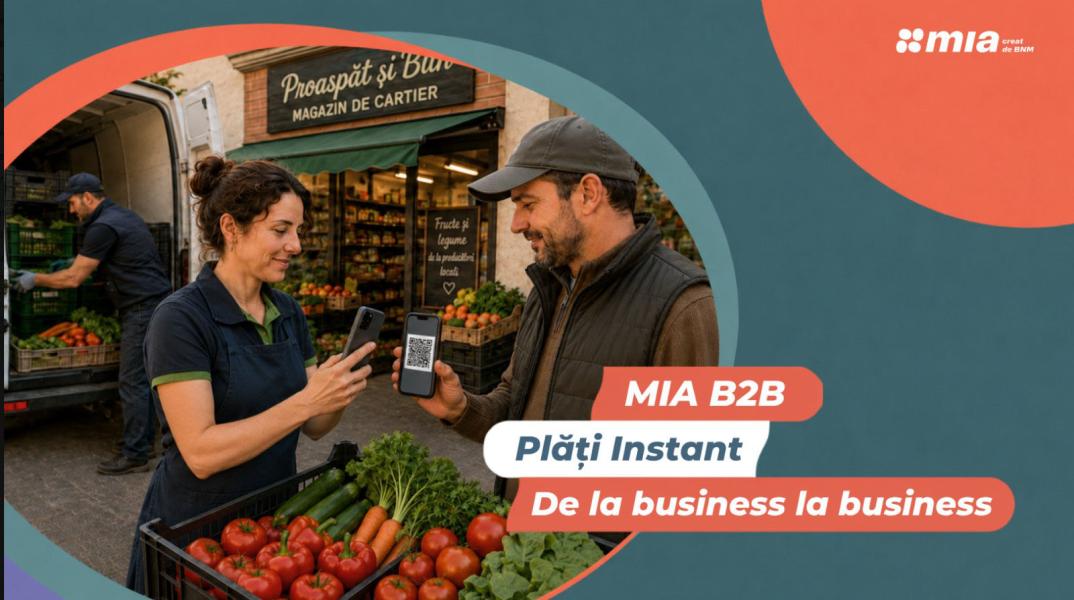
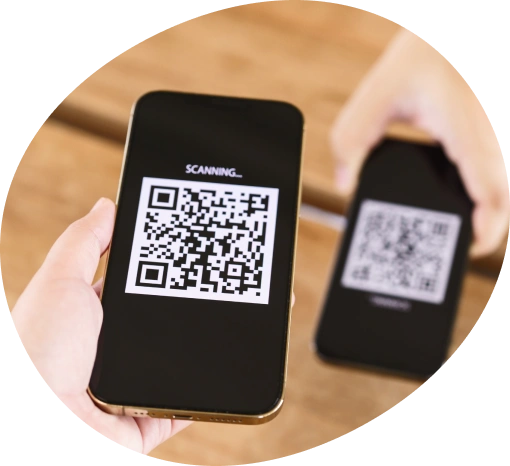
Scan the QR code with your phone’s camera or directly from your banking app.

On the payment screen, you will see the transfer amount or you will need to enter it manually.

Make sure the payment details are correct and tap the “Confirm” button.
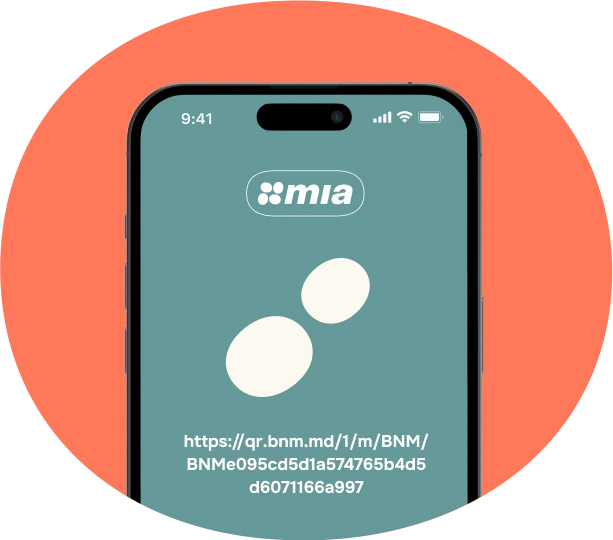

Get the link directly from the merchant or individual, and choose “Pay with MIA” in online stores.

On the opened page, select the bank you want to pay through. You’ll be redirected to your bank’s mobile app to make the payment.

Review the payment details and confirm the payment.
If you have activated MIA on two or more accounts, the funds will be received on the most recently activated account. To change the default account, open the banking app of the desired account and activate receiving MIA transfers by selecting that account. The new setting will override the previous ones.
The limit is 5,000 MDL per transaction.
The National Bank of Moldova has recommended setting a daily cumulative limit of up to 25,000 MDL for payments initiated by an individual payer.
This recommended limit may be adjusted at the customer’s request following a risk assessment by the financial institution that serves them.
The transaction is processed within a few seconds (maximum 10 seconds). The service is available 24/7. All you need is a device connected to the internet with a stable connection.
No extra costs. No hassles.