Scan MIA QR
Generate one of the MIA QR options available in your financial application or print the QR beforehand.
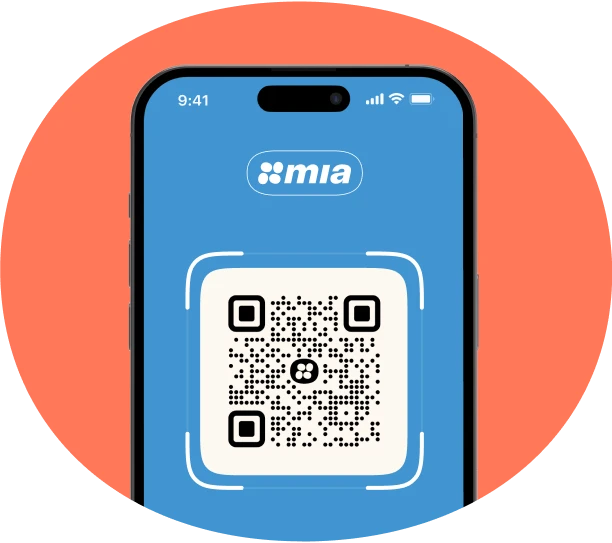

Generate one of the MIA QR options available in your financial application or print the QR beforehand.

Show the customer the QR and ask them to scan it.

After confirming the payment, the money reaches the customer's account in 10 seconds.
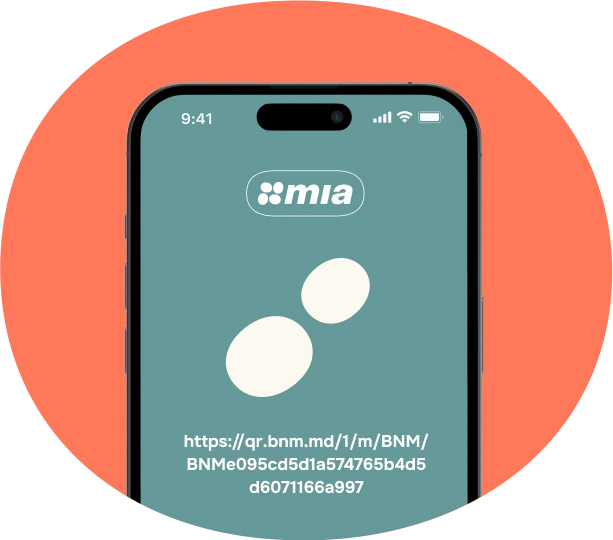

Provide a link directly to the financial app, or display the MIA button in your online store.

By accessing the link, the customer is directed to a secure page where they can choose the financial application through which they want to pay.

As soon as the client pays, you will receive a notification that the money has been successfully received.


Any customer can pay for goods and services via QR by using their phone’s camera or their financial institution’s app to scan the QR code displayed by the merchant, after which the payment is processed instantly.
The MIA payment link and button can be accessed from any message sent through any channel from one person to another. Once this link is accessed, the online store page will open, from which customers will be redirected to their financial application. The customer selects the financial institution they wish to use to pay and the transfer will be made instantly.
To integrate an online store with MIA Instant Payments, you need to contact your financial institution that provides the payment solution and get the details.
To accept payments via MIA QR, you must have MIA Instant Payments enabled in your financial application. It is important to make sure you have the necessary equipment to display and scan QR codes.

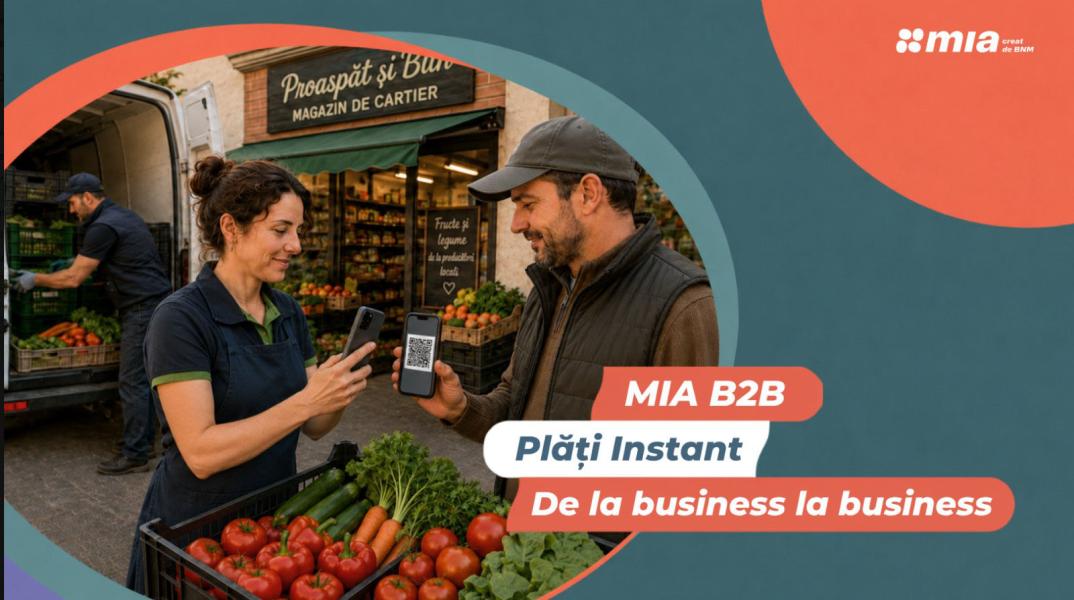
Your clients will be able to scan and pay for goods or services in seconds using the QR-code from MIA. You don’t need additional equipment. Just show your QR.

You can generate the QR for a certain period of time. Your costumers will scan it and pay for the services within the time period.

Display QR at cash registered. Your costumer will scan and pay for the goods.

Activate MIA for individuals and say goodbye to fees and risky payment information.